Your brokerage. Your identity.
A White Label setup gives your brokerage a trading terminal under your own company name, with your logo and contact information.
Build around MetaTrader 5 while planning the client-facing experience and the operational systems behind it. The platform, integrations and infrastructure should work as one considered setup.
Original product artwork
The tools behind the trading experience.
The original product specification covers market analysis, trading conditions and position management. Organise the workspace around your business and client requirements.
Market analysis
Give traders a workspace to analyse markets and follow trading conditions.
Position controls
Manage open positions and the account operations around them.
Your identity
Use your company name, logo and contact information in the branded terminal.
Broker operations
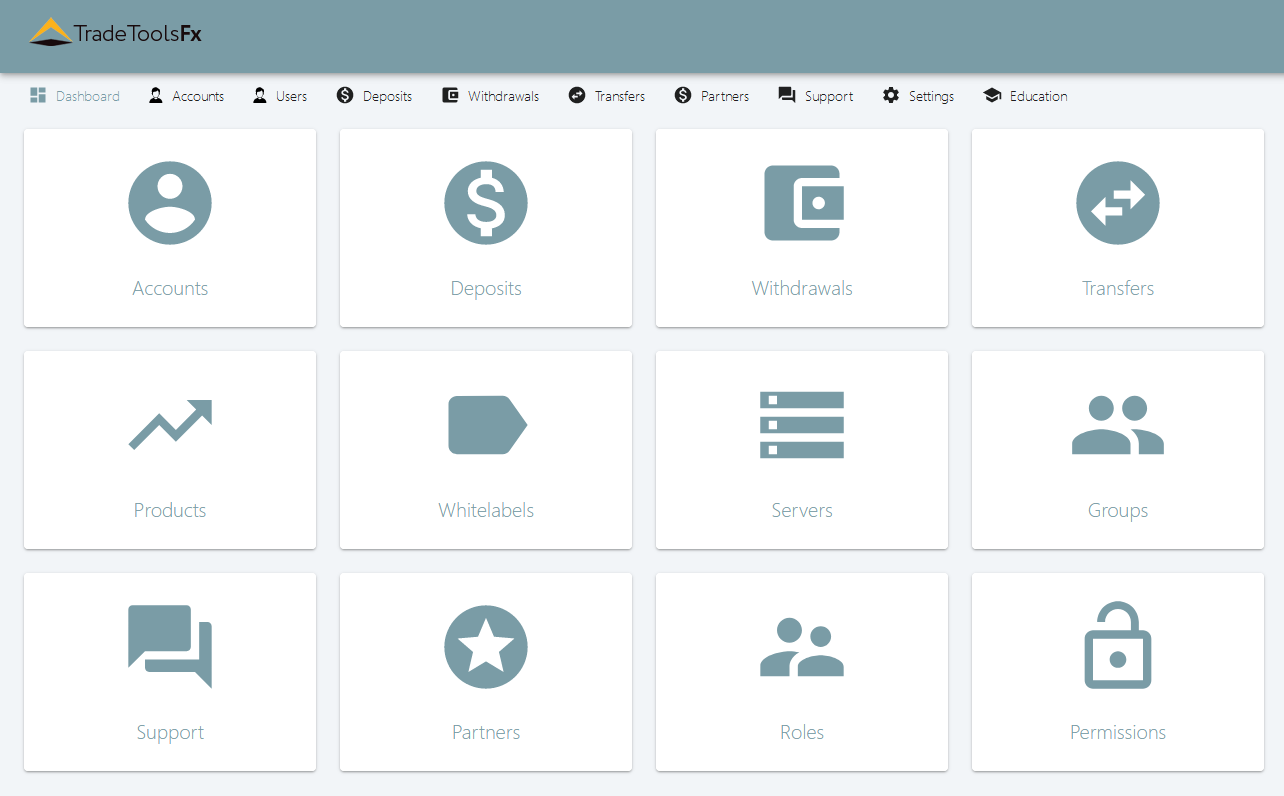
Plan account registration, manager access and the tools used by your team.
Plan the system around the terminal.
A trading terminal is one part of a brokerage. The published product materials also describe CRM, payment processing, data feeds, liquidity connectivity and risk-management tools.
The trading interface your clients use.
The tools your team uses to run the business.
The connections to discuss for your configuration.
Choose the components with our team. Confirm what is included, the supported integrations and the current licensing terms for your project.
Consider the operating environment.
Discuss hosting, access-server locations, authentication, authorisation and backup requirements as part of the deployment. The product materials also describe multilingual interfaces, DDoS protection and technical support.
- Server and access configuration
- Authentication and authorisation
- Backup and storage requirements
- Language and interface requirements
- Platform and service connections
- Technical support arrangements
A clear brief makes a better starting point.
Bring your requirements to the conversation. We can work through the platform, branding and connections before you choose a configuration.
- Define the trading setup.Tell us about your business, intended instruments and preferred MT5 interfaces.
- Map the client experience.Prepare your company name, logo, language requirements and account workflows.
- Connect the operating tools.List the CRM, payment, data-feed, liquidity and support requirements to discuss.
Useful questions. Clear next steps.
What is a MetaTrader 5 White Label setup?
A MT5 White Label setup gives a brokerage a trading terminal carrying its company name, logo and contact information. The starting point is the branded trading experience; the operating environment and connected services depend on the agreed project scope.
Prepare your intended instruments, client interfaces and language requirements before a demonstration. Ask our team to confirm the current branding options and supported configuration for your brokerage.
How does MT5 White Label work with CRM and MAM software?
The terminal, client workspace and managed-account tools serve different roles. A broker CRM and client portal supports client-account and operational workflows. Multi-Account Trader covers MAM and PAMM allocation requirements.
List the components you need and confirm how they will connect. Confirm the exact components and connections included in your White Label proposal.
What determines the scope and cost of a MT5 White Label project?
Discuss the terminal, branding, hosting, integrations, account workflows and support scope together. These requirements form the basis of the configuration and commercial proposal.
The published product and service rates are retained as reference information. Confirm current availability, licensing, demonstration access and pricing with our team before choosing your setup.
Discuss your MT5 White Label requirements ↗Read the related background.
MT4 or MT5? Start with your platform.
Scroll across to compare the complete table →
| What to compare | White Label MT4 | White Label MT5 |
|---|---|---|
| Trading environment | A branded MT4 terminal. | A branded MT5 terminal. |
| Branding brief | Your company name, logo and contact information. | Your company name, logo and contact information. |
| Platform fit | List the MT4 workflows and tools your brokerage needs. | List the MT5 workflows and tools your brokerage needs. |
| Systems around it | Discuss CRM, payment, feed and bridge connections. | Discuss CRM, payment, feed and bridge connections. |
| Next step | Explore White Label MT4 | Explore White Label MT5 |
The terminal and surrounding services depend on the agreed configuration. Check current availability, compatibility and licensing with our team.