Start with the system you need to run.
A brokerage is a connected workflow: the trading platform your clients use, the workspace your team operates and the infrastructure behind both.
Use this page to map the technical scope of your project. Start with your client experience and existing systems, then work through the platform, account operations, integrations and hosting with our team.
How clients access and use your trading services.
How accounts, payments and support fit together.
How the software is hosted, configured and supported.
Choose the trading experience.
Explore the existing platform options, then confirm which interfaces, branding and connections fit your project. Open an option for more detail.
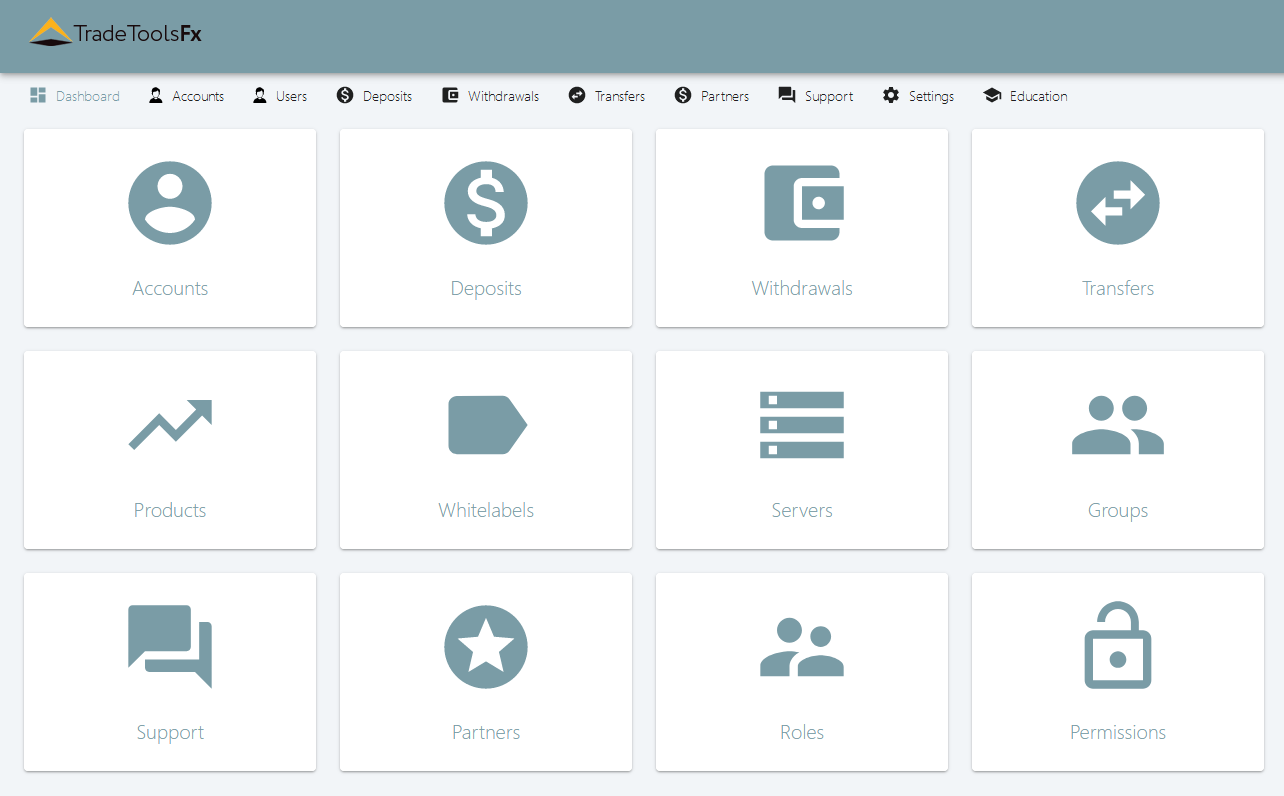
Connect the client journey to your team.
Define what clients need to do in the portal and how your team will handle the related account and support workflows. Include managed-account requirements when they are part of your business model.
- Client account and portal requirements
- Payment and account-service workflows
- Team roles and operational access
- MAM / PAMM requirements, where applicable
Map the connections before the deployment.
Identify the feeds, liquidity connections and payment services your setup needs. Share the systems you already use so the team can review the required interfaces and compatibility.
These are related TradeToolsFX products. The supported connections and the components included in your configuration are agreed with the team.
Hosting is part of the system.
The original service focuses on helping brokers select and arrange hosting. Treat that decision as part of the platform plan: review the software environment, capacity, access and maintenance requirements together.
Environment
Platform versions, supporting software and required services.
Capacity
Expected workloads, storage and connection requirements.
Operations
Access, backups, maintenance and support responsibilities.
Make the day-to-day responsibilities clear.
Before choosing a configuration, agree who will operate each part of the system. Use the project conversation to make the technical boundaries and support requirements explicit.
- Platform & access
- Versions, accounts, permissions and configuration ownership.
- Infrastructure
- Hosting, storage, backups and planned maintenance.
- Connections
- Integration endpoints, provider access and integration ownership.
- Support
- Contacts, issue handling and the scope of ongoing assistance.
Move from a brief to a deployment plan.
- Describe the intended setup.Outline your platform preferences, client workflows and current systems.
- Map the components.Work through the platform, portal, connections and hosting requirements.
- Confirm the configuration.Agree the scope, supported interfaces, commercial terms and responsibilities.
- Plan the checks and handover.Discuss configuration checks, access, documentation and operational support.
Bring the essentials to the conversation.
Tell us which platform you are considering, what is already in place, which client workflows you need and where you need technical help.
Plan your brokerage setup ↗Questions worth asking early.
Can we start with an existing platform?
Share the platform version, hosting environment and existing connections with our team. The next step is to review which parts of your setup can be used and which interfaces are needed.
Are all the components one package?
The page shows a possible technical architecture and related products. Confirm the components, supported integrations, licensing and support included in your project proposal.
What should we send first?
Start with the platform you are considering, the systems you already use and the client workflows you want to support. Discuss the details with the team on Telegram.
Talk to our team ↗Original service illustration
What should your demonstration prove?
Walk through your branding, client access and one complete account journey.
Prepare your requirements
0 of 4 requirements prepared
Confirm the delivery scope
Ask which components and connections are included, who owns the configuration, and how testing and handover will be recorded.
Bring a representative scenario and request a walkthrough of both the expected result and any exceptions.
Prepare your Telegram conversation ↗